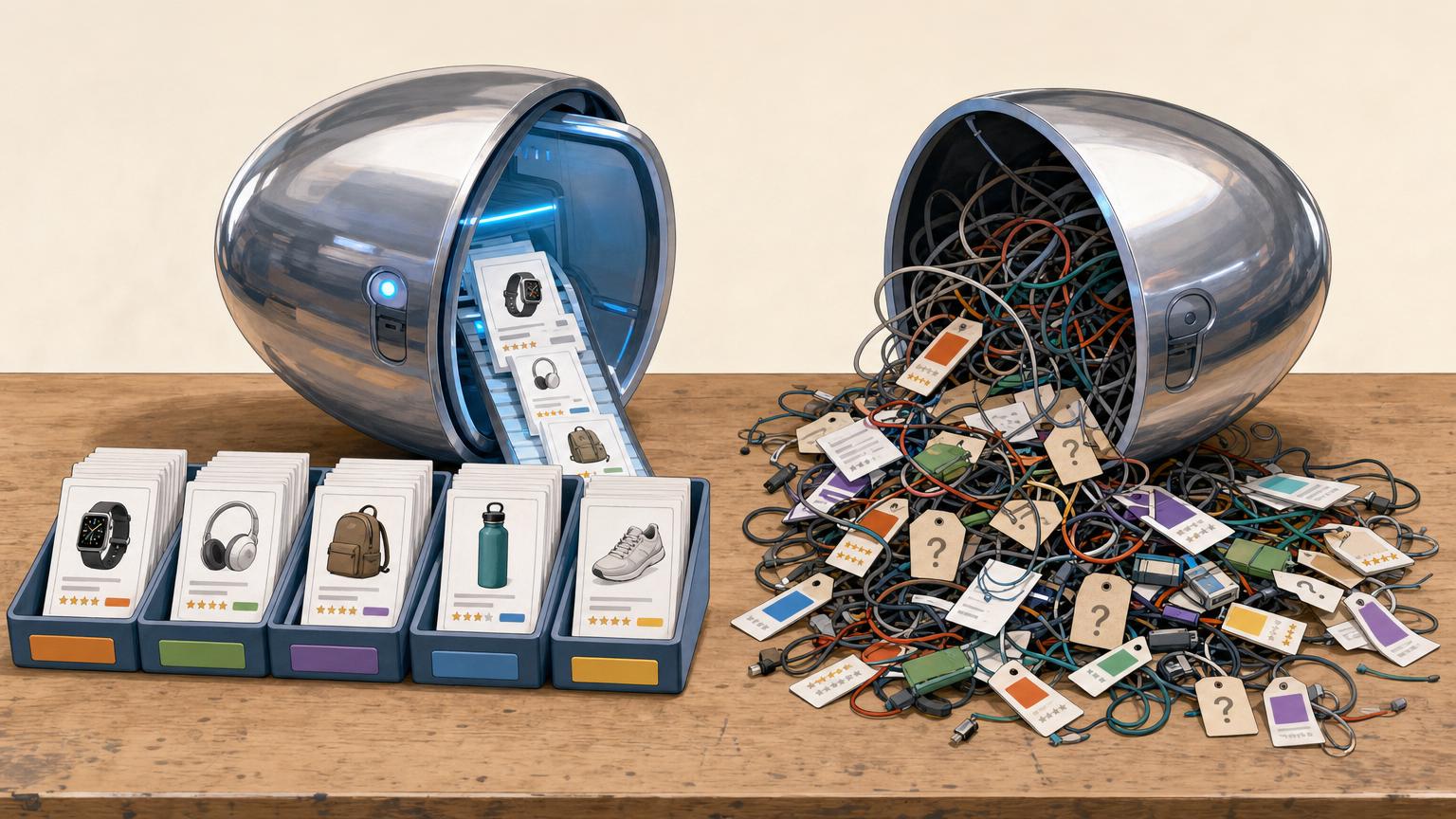


The hard part is not naming products — it’s deciding where they belong.
What happens when a smartwatch is also a fitness tracker, or a sofa bed belongs in seating and guest-room furniture? Giving each item one “home” keeps the taxonomy clean, but shoppers lose legitimate paths and filters become less intuitive. Duplicating listings across trees feels safer until indexation swells: near-duplicate category pages multiply, crawlers burn time, and reporting gets noisy.
The damage is strategic. Sites that blur this line drift into the old deal site versus comparison site dilemma: is the page helping selection, or just echoing inventory? Once that answer varies by category, conversion intent weakens.
Model the product first
Before menus, filters, or landing pages, the cleanest move is to model the product as the stable record. Everything else—categories, merchant offers, specs, tags, and editorial collections—should point back to that record instead of competing to define it.
When a laptop appears under “gaming,” “student,” and “16 GB RAM,” the problem is rarely a broken taxonomy. More often, three different concepts have been blended together:
- Categories group a market broadly
- Attributes power filtering and comparison
- Collections capture themes, campaigns, or use cases
That distinction matters in WooCommerce price comparison setups, where product records, offer rows, and filter data often live in separate structures. Once the core entity is stable, navigation becomes a retrieval question: which paths surface the same product quickly, without inventing duplicate category logic?
- Product
The canonical item record that stays the same across merchants, prices, and placements.
- Offer
A seller-specific listing with price, stock, shipping, and affiliate details attached to a product.
- Attribute
A structured property such as brand, size, or RAM used for filtering, sorting, and comparison.
- Collection
A curated grouping like “best for students” or “holiday deals,” separate from the formal taxonomy.
Give each product one home by following the same tie-break order
-
1. Start with the shopper’s primary question
Place the product where most buyers would begin the search. A gaming monitor belongs with monitors, not gaming gear, because the purchase starts with screen size, panel type, and refresh rate.
-
2. Check whether specs are compared side by side
The home category should support clean comparison across the core attributes buyers actually use. If the key fields differ too much between candidates, it is probably the wrong home.
-
Use market convention as the next tie-breaker
When intent is split, follow the category pattern used by major competitors and marketplaces. Familiar placement lowers friction and keeps internal labels aligned with external demand.
-
4. Confirm merchant depth before locking it in
Choose the category with broader offer coverage, steadier stock, and enough merchants to make price comparison meaningful. A thin category creates empty pages and weak pricing signals.
-
5. Record the decision rule, not just the decision
Store the chosen home plus the reason code: intent, comparability, convention, or coverage. New products can then be assigned consistently instead of by editor memory.
If two candidates still tie, prefer the narrower category and expose the other path through filters, collections, or guides.
A short-term merchant spike should not move a product into a new home. Category ownership should change only when buyer intent and comparison logic change, not because one supplier uploaded a messy feed.
Handle secondary relevance without duplication
A product can belong to many buying paths without being copied into many category trees. The clean approach is to keep one canonical category home, then expose secondary relevance through the right retrieval layer.
- Facets cover objective, repeatable attributes: screen size, material, battery type, connector, capacity, brand.
- Use-case landing pages cover demand patterns with intent behind them: gaming laptops, hiking watches, apartments with pet-friendly flooring.
- Filter states help navigation in-session, but usually should not become search pages.
Facets work best when the attribute is factual, consistently populated, and useful across a large set of products. They help users narrow a comparison set without changing what the product is. A dishwasher with a delayed-start feature should surface through that facet, not be copied into a parallel “delayed-start dishwashers” branch.
Use-case pages deserve indexable URLs only when they match real search demand and support meaningful editorial curation. These pages need more than a pre-applied filter: intro copy, selection logic, and often a slightly different ranking model.
Keep most filter combinations non-indexed. Endless states like brand=sony&color=black&wifi=yes&under=500 create crawl waste and thin pages. A useful rule: if the page adds no unique intent, copy, or merchandising logic, it stays navigational only.
Set URL rules before the catalog sprawls
Every product needs one canonical URL that never changes when it appears in other categories, filters, or buying guides. That URL should resolve the entity itself, while alternative routes either 301 to it or declare it with rel="canonical".
The primary path should also stay stable. Avoid baking temporary sort orders, promotional tags, or merchant-specific quirks into the main product path. A durable pattern such as /laptops/dell-xps-13 is easier to maintain than paths that shift whenever taxonomy logic changes.
Which category and filter pages should be indexable?
Most combinations should stay crawlable only when needed for discovery, not indexing. A page earns indexable status only if it passes all three tests:
- Clear search demand: people actually search for that combination.
- Distinct intent: the page solves a different shopping task, not a minor variation.
- Sufficient supply: enough products and offer data exist to make the page useful over time.
If any test fails, keep the view available for users but out of the index.
Good candidates vs weak candidates
- Good: “4K gaming monitors”, “refurbished iPhone 13”, “running shoes for flat feet”
- Weak: “black + size 10 + under $73 + merchant X + newest first”
That discipline protects crawl budget, reduces canonical conflicts, and concentrates ranking signals on pages with genuine buying intent.
Index destinations, not interface states. If a filtered page cannot stand alone as a useful landing page with stable demand, it usually belongs behind noindex or canonicalization.
Design templates around intent, not overlap
When products belong to several plausible paths, the fix is not stricter classification. It is clear page roles. Two pages may share many SKUs yet serve different moments in the journey, which keeps overlap useful instead of repetitive.
What each page is trying to do
- Category pages support broad browsing. Best modules: strong intro copy, top filters, key subcategory links, and sortable product grids.
- Comparison pages answer “which type is better for this need?” Best modules: spec tables, side-by-side differences, pros/cons, and “best for” callouts.
- Attribute landing pages capture narrowed demand such as size, material, or feature. Best modules: concise definition text, compatible filters, and a tightly relevant grid.
- Product pages close the decision. Best modules: offer aggregation, variant logic, price history, merchant trust signals, and related alternatives.
How templates stay distinct
Each template needs a different primary signal. Category pages emphasize breadth, comparison pages emphasize evaluation, and product pages emphasize transaction readiness. Layout, copy blocks, internal links, and structured data should reinforce that purpose.
If two indexable pages would show the same heading, same sort order, same intro, and same modules, they are probably the same page in disguise. Merge them or change the intent.
A catalog can keep one dominant tree without pretending products belong to only one idea. The main menu and breadcrumb should point to the product’s canonical branch; that is the site’s clearest statement of hierarchy. When every template repeats that choice consistently, crawlers and users learn where the “official” home lives.
Secondary fit should appear through links, not through duplicate homes.
- Breadcrumbs confirm primary placement.
- Menus expose the top-level structure, not every possible overlap.
- Contextual links connect adjacent use cases, brands, or feature-driven groupings.
- Related modules surface alternative paths such as “also compared in” or “popular for travel.”
This turns navigation into an information architecture language. A laptop may live under Electronics > Laptops, while links on the page can still send traffic to Student picks, Lightweight work devices, or Best battery life. Those routes are real, but they are signposted as relationships, not as competing taxonomies.
A simple rule helps: if a UI element defines where the item is, keep it singular; if it explains how else the item is relevant, link freely.
Implementation checklist
-
Assign one canonical home
Give every SKU one primary category and store the reason code.
-
Turn other fits into views
Use facets, comparison hubs, and related modules for secondary relevance; keep near-duplicates non-indexed.
-
Freeze path rules early
Primary URLs stay stable even when navigation or merchandising changes.
-
Gate new variants
Require enough products, offer depth, and distinct intent before any variant can be indexed.
-
Audit drift on a schedule
Review thin pages, conflicting homes, and duplicate templates before they spread.
A durable comparison site stays coherent when each product has one home, while every other path is treated as a discovery layer around it. The catalog grows cleanly only if thin variants are challenged early and audited regularly.











17 responses to “How to Structure a Price Comparison Site When Products Fit Multiple Categories”
The three-part test for indexable facet pages is the part more people should talk about. So many sites just let every filter combo get indexed and then act surprised when Search Console looks like a landfill.
Exactly. Facets aren’t bad by default — they just need a threshold for unique demand, distinct inventory, and a page that actually serves that intent. Without those checks, you get crawlable clutter rather than useful landing pages.
This worked for us, honestly. We killed a bunch of duplicate category branches and pushed the secondary relevance into filters + related modules instead.
Traffic dipped for about 2 weeks, then the index cleaned up and product pages started performing better for “ready to buy” queries. Not magic, but very real improvement.
Good article overall, but I think the implementation checklist could have been even more concrete. For example, with “standardized alternate views,” are you thinking parameter handling only, or also separate templates for compare view / merchant view / spec view?
That part felt slightly hand-wavey compared to the rest.
This is one of those posts that sounds obvious after reading it, but apparently was not obvious to me before reading it 😂
Especially the part about breadcrumbs and menus declaring the primary hierarchy. We had breadcrumbs changing based on entry path, which felt “dynamic” and modern and was actually just confusing.
I appreciated the template section. A lot of SEO advice stops at URLs/taxonomy, but the bit about separating browsing, evaluation, refinement, and purchase intent is what actually makes the pages useful.
We had category pages trying to do everything at once, and they basically did none of it well.
That’s exactly the trap. When one template tries to satisfy every stage, the signals get muddy for users and search engines alike.
Intent-specific templates help you decide what belongs on the page: comparison modules for evaluation, filter controls for refinement, merchant/offer detail for purchase, and broader discovery elements for browsing.
I wish more teams did recurring thin-page audits instead of assuming taxonomy damage only happens during a redesign.
Our site kept spawning near-empty subcategories because every new supplier wanted their own little corner of the kingdom. No one noticed until crawl stats got ugly and half the pages had zero real comparison value.
Maybe a dumb question, but how do you treat “collections” differently from categories in the data model?
We currently have seasonal gift guides, editor picks, and “best under $100” all living as categories because that was easiest for dev. It works technically, but reporting is chaos and merchandisers keep using them like permanent taxonomy nodes.
Not a dumb question at all. I’d treat collections as curated retrieval layers, not structural taxonomy — they’re assembled for a purpose, campaign, price point, or editorial angle, and they can overlap freely without claiming ownership of the product.
That separation matters because categories usually express durable hierarchy, while collections are flexible and time-bound. If both are stored as the same thing, teams naturally start using temporary lists as if they were permanent classification.
One thing I’m still unsure about: when do demand-led landing pages become too close to duplicate category pages?
We have pages like “best budget X” and “X for small spaces” that overlap heavily with the same product pool. They serve different intents, but the inventory is like 70% identical.
Overlap in products isn’t automatically the problem — overlap in purpose is. If those pages truly answer different questions, use different sorting logic, copy, modules, and decision criteria, they can coexist even with similar inventory.
What I’d avoid is creating intent labels that are only cosmetic. If the page experience and retrieval logic don’t materially differ, it’s probably not a distinct landing page.
The non-indexed filter states advice saved me from making a giant mess. I was about to let color + size + seller + shipping combos all become landing pages 🤦♀️
We set URL rules way too late and paid for it. Primary paths kept changing whenever merch wanted a different top-level emphasis, so now we have years of redirects stacked on redirects.
Reading “set URL rules before the catalog sprawls” hurt because… yes. Correct.
The “model the product first” section was the clearest part for me. We kept arguing internally about whether a thing belonged under laptops, gaming, or student deals, when the real issue was that we were treating category as identity.
Once we split product/entity from category/facet/offer, our reporting got way less messy. Wish we had done that a year ago 😅
I tried applying the tie-break order and got pushback from our commercial team. They wanted merchant depth to win more often because it made certain sections look fuller.
That’s exactly how you end up with categories that feel good to the business and weird to actual shoppers though. Your “intent first, then comparability” framing gave me a better argument internally.
Yes — fuller pages can be operationally convenient, but that doesn’t make them the best canonical home. If a category wins mainly because one merchant has deep stock, it often weakens comparability and user expectation.
Using intent and comparability first keeps the structure legible. Merchant depth is useful, but better as a later tie-break than a steering wheel.