
Category: Affiliate Plugins
-
Which Affiliate Product Box Plugin Fits a WordPress Workflow?
For an Amazon-only site, AAWP is the straightforward publishing choice; pick AmaLinks Pro when image-led showcases matter most. AzonPress fits Amazon shortlist pages built around tables. Lasso suits publishers building a reusable product library across many posts. Affiliatable is the better fit when each box needs deliberate visual treatment and can be maintained manually. For…
-

Where to Place Affiliate Links Before Readers Leave
A visitor’s search phrase usually reveals the decision they came to make. The first affiliate link belongs immediately after that decision has been answered with enough evidence—not after an arbitrary introduction. Quick answers For a query such as “best budget camping stove,” the visitor wants a fast shortlist. A brief selection note, the top pick,…
-

How to Improve Affiliate Conversions Without Chasing Every Tactic
A visitor searching “best beginner telescopes” is open to comparing options. A visitor searching “how to find Jupiter tonight” usually needs instructions first. Both pages may mention telescopes, but forcing the same affiliate link onto each page ignores the job behind the search. The useful question is: what does this reader need to do next?…
-

Affiliate Disclosure Placement That Keeps Recommendations Credible
A disclosure works best when it appears before the first affiliate-linked recommendation—not after a long comparison, at the bottom of a page, or only in a sitewide footer. By the time someone has read that a particular grinder, tent, or software plan is “the best pick,” the recommendation may already have shaped the decision. Place…
-

How to Write Affiliate CTA Button Text for Each Buying Stage
A CTA cannot be chosen well from a sitewide template alone. First, identify what the page is trying to help a reader do right now. Its title, main headings, and the words that brought visitors there usually reveal the stage quickly. If the page mainly… It is likely… Button language should lean toward… Explains a…
-

Affiliate Product Boxes vs. Text Links: What Earns the Click?
A contextual text link earns attention when it completes the thought already on the page. After a claim such as “this grinder is quieter than most budget models,” a link to the tested model feels like evidence or a practical next step—not an interruption. The strongest placements usually follow one of four moments: Generic prompts…
-

Pretty Links vs ThirstyAffiliates for a New Affiliate Workflow
That is where the first link manager choice matters. Pretty Links suits a lean start when branded, readable redirects are the priority. ThirstyAffiliates becomes attractive sooner if the setup will need tighter organization, built-in disclosures, and clearer reporting. For a new site, the real question is not today’s handful of links; it is how painful…
-

How to Track Affiliate Clicks in WordPress Without Guessing
The cleanest setup usually uses two layers: a link-management plugin inside WordPress and analytics events in a reporting tool such as GA4. The plugin becomes the control layer. It creates stable, branded redirect URLs, centralizes edits, and keeps every affiliate destination in one place. Analytics events become the decision layer. They show which pages, buttons,…
-
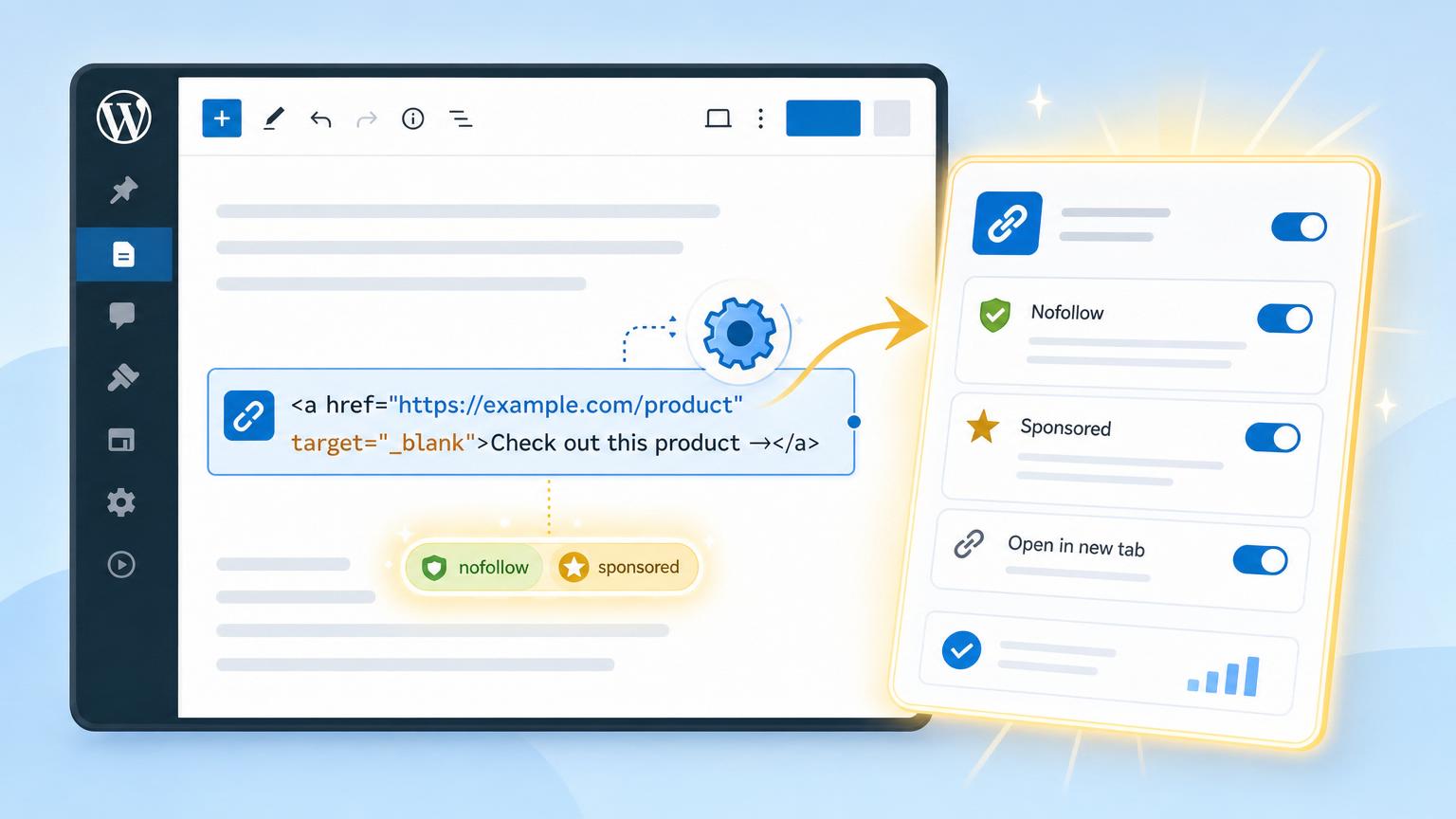
Set Affiliate Links to Nofollow and Sponsored in WordPress Without Manual Edits
No manual edits does not mean hunting through old posts less often. It means the tagging logic lives in one place: plugin defaults, centralized shortlinks, or a bulk replacement workflow. If an affiliate link manager is already active, that is usually the cleanest route. Tools like Pretty Links or ThirstyAffiliates can apply default attributes to…
-

Best WordPress Plugins for Affiliate Marketing on a New Site
Why this comes first The first practical plugin on a new affiliate site is usually a link management tool. It solves a day-one problem: long, messy partner URLs quickly become hard to track, update, and place consistently across posts. A single system also prevents an early mistake—installing multiple tools that all create cloaked links, redirects,…
Latest Posts





About the Author

Serge
Serge is an affiliate marketer with 20 years in the field and a WordPress plugin developer. He writes about building, ranking, and monetizing affiliate sites — drawing on tools he’s actually built and used, not just reviewed.
You May Have Missed