

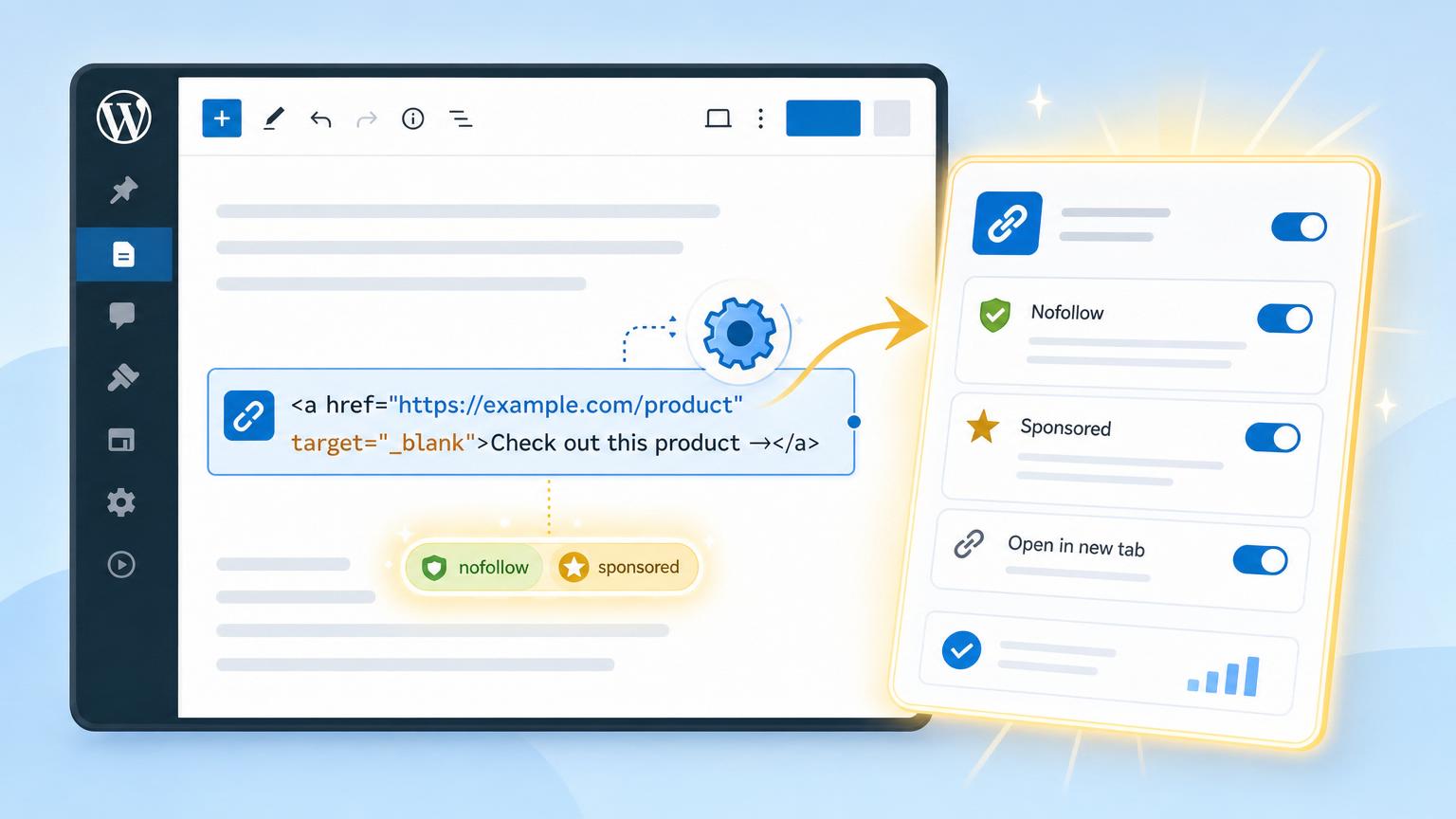
Old affiliate content turns into a liability the moment link rules change.
What happens when dozens of published posts already contain affiliate links tucked into buttons, text links, comparison tables, and reused blocks? Hand-editing HTML stops being a sensible fix. It is slow, easy to miss, and surprisingly risky: one forgotten link can leave a page out of compliance, while one bad edit can break formatting or tracking.
The real issue is not code; it is process. Affiliate links need nofollow and sponsored applied consistently, across existing content and every new insertion after that. Treated as a workflow problem, WordPress becomes much easier to manage: cleaner search signals, clearer commercial labeling, and a repeatable system that does not depend on someone remembering tiny HTML details in every post.
What the link should actually output
For affiliate links, rel="nofollow sponsored" is the safest target markup.
sponsored labels the commercial relationship. nofollow keeps the link from looking like an editorial endorsement. Google accepts either, but many site policies and plugins expect both.
The clickable <a> in the rendered page must carry the rel tokens.
Search engines evaluate the anchor that appears in front-end HTML. A prettified URL, tracking link, or admin-side setting does not count unless it prints the attributes on that anchor.
Redirects change the destination, not the anchor attributes.
Unless the plugin outputs rel on every displayed affiliate link, nothing is added automatically. Front-end inspection is the only reliable check.
Use an anchor that renders like: <a href="..." rel="nofollow sponsored">.
The token order does not matter, but the same attributes should appear on every affiliate link variant shown to readers.
Choose the path that scales
No manual edits does not mean hunting through old posts less often. It means the tagging logic lives in one place: plugin defaults, centralized shortlinks, or a bulk replacement workflow.
If an affiliate link manager is already active, that is usually the cleanest route. Tools like Pretty Links or ThirstyAffiliates can apply default attributes to every managed link, so one setting fixes future inserts and often standardizes older ones as links are updated centrally.
If posts still contain raw merchant URLs pasted directly into content, that setup rarely scales. A better foundation is:
- create managed affiliate links first
- set default rel values to
nofollow sponsored - replace pasted merchant URLs in bulk, not post by post
This shift matters because redirects and shortlinks only help when the rendered <a> tag carries the correct rel attributes. Centralized links also make later audits, merchant swaps, and policy changes far easier.
Make rel tags automatic for new Pretty Links
-
Open the default link settings
In WordPress admin, Pretty Links stores global behavior under Pretty Links → Options or Settings, depending on version. The controls usually sit in the Links area, where new links inherit default attributes.
-
Enable nofollow and sponsored by default
Turn on the options that add nofollow and sponsored to newly created links, then save. From that point forward, links made through Pretty Links should carry those rel values without editing each post or button block.
-
Treat existing links separately
These defaults usually apply to links created after the setting change, not every shortlink already in the database. Older entries should be spot-checked, especially high-traffic reviews, comparison tables, and reusable blocks.
-
Use per-link overrides when the relationship differs
A global default is helpful, but exceptions still matter. A link that is not paid or affiliate-based, a partner link with different disclosure needs, or a special placement that also needs ugc may justify changing the rel values on that individual Pretty Link.
-
Verify the HTML on a live page
Publish or open a page that contains a Pretty Link, then inspect the rendered anchor tag in the browser. The front end should show something like
rel="nofollow sponsored"; if the admin box is checked but the attribute is missing, another plugin, theme filter, or custom button module may be rewriting the link markup.
Checking the redirect destination alone is not enough. The rel attribute lives on the clickable <a> element in the page HTML, not in the redirect hop.
Pretty Links can shorten, cloak, or redirect perfectly while the page markup still lacks the right rel values. Compliance is confirmed only when the rendered anchor tag includes nofollow sponsored.
Set ThirstyAffiliates to add rel values automatically
-
Open the ThirstyAffiliates settings
In WordPress, go to ThirstyAffiliates settings and find the defaults that apply to affiliate links themselves, not the Autolinker tab.
-
Turn on No Follow
Enable No Follow. That setting tells ThirstyAffiliates to output
rel="nofollow"on new affiliate links by default, unless a specific link is set differently. -
Turn on Sponsored
Enable Sponsored as well. When both switches are on, the front-end link should render one
relattribute containing both values:nofollow sponsored. -
Treat these as link-markup settings only
These toggles control the HTML on the
<a>tag. They do not change cloaking, the link slug, the redirect type, or whether links open in a new tab. -
Keep Autolinker separate
Autolinking only decides where a ThirstyAffiliates link is inserted from keywords. It does not replace the need for the No Follow and Sponsored defaults, and changing autolink rules will not alter rel output.
After saving, inspect one published affiliate link on the front end. The anchor tag should show both rel values together.
Changing redirect or cloaking behavior does not add compliance attributes by itself. rel lives on the visible link in the page HTML, so it must be set through the ThirstyAffiliates link defaults or a per-link override.
Retrofit older affiliate links safely
-
Find repeated raw URLs
Export content or run a database search and group links by merchant plus landing-page pattern, not just by domain.
-
Recreate common destinations
Build managed links for the URLs that appear again and again. Set rel defaults before any replacement starts.
-
Map every tracking variant
Record UTM parameters, sub-IDs, coupon codes, and deep-link paths. A homepage shortcut is not an equal replacement if the original URL carried attribution data.
-
Replace in small batches
Swap exact URL patterns one merchant at a time with a trusted search-and-replace tool. Avoid serialized data and review both block and classic content.
-
Check the rendered output
Open edited posts and confirm the destination, full query string, and
rel="nofollow sponsored"in front-end HTML.
A safe cleanup preserves every meaningful character after the domain. If /product-a?utm_source=email&subid=42 becomes a generic merchant homepage, attribution, reporting, and even commission credit can disappear.
After the swap, verify affiliate click tracking with a test click and the network report.
Verify the live output before calling it done
-
Check a real published page
Use an incognito window and inspect the front end, not the plugin screen. Test several examples: a Pretty Links shortlink, a ThirstyAffiliates link, an autolinked keyword, a legacy raw merchant URL, and any builder button or CTA.
-
Read the rendered anchor tag
In browser DevTools, inspect the actual <a> element and confirm rel contains both nofollow and sponsored. For links injected after load, trust the Elements panel over View Source, because JavaScript may change the final DOM.
-
Retest after clearing every cache layer
If settings look correct but HTML does not, purge page cache, object cache, CDN cache, and any optimization plugin cache. Cached fragments often preserve older rel values.
-
Isolate common breakpoints
Page builders, button widgets, link-shortening addons, and SEO or optimization plugins can rewrite anchors or strip rel attributes. Test one failing format at a time to find whether the break happens in the editor, during render, or after JavaScript runs.
-
Recheck after updates and bulk edits
A quick spot-check after plugin updates, theme changes, or search-and-replace jobs catches regressions early. One sample per link format is usually enough for routine QA.
sponsored and nofollow describe the affiliate relationship for search engines. noopener and noreferrer are separate security/privacy values, typically relevant when links open in a new tab with target="_blank". One set does not replace the other.
Keep the workflow repeatable
Once defaults are set, the routine stays simple: create every new affiliate URL inside the link manager, not in post HTML. That keeps rel="nofollow sponsored" consistent, preserves tracking structures, and makes later edits painless. Pair that with automated affiliate disclosures so compliance does not depend on memory.
Every few months—and after plugin, theme, builder, or cache changes—review the small list of exceptions and spot-check a few live pages in rendered HTML. Rel attributes help search engines interpret commercial links; they do not replace legally required disclosures. Both pieces need to remain in place.











19 responses to “Set Affiliate Links to Nofollow and Sponsored in WordPress Without Manual Edits”
One thing I appreciated here is the reminder that disclosures are separate from rel tags. I still see people acting like adding sponsored means they’re legally covered everywhere, which… no.
Technical compliance and reader disclosure are not the same job.
I’m still a little skeptical about using blanket defaults on every affiliate link. Most of the time it makes sense, but do you ever keep exceptions for internal partner pages or weird hybrid sponsorship situations?
Not arguing the workflow btw, just wondering how strict people are with per-link overrides.
That’s a fair question. A repeatable default is useful because it reduces misses, but exceptions do happen, which is why periodic review and per-link overrides matter.
If a link isn’t actually an affiliate relationship, it shouldn’t inherit affiliate handling just because it lives in the same workflow.
My issue was JavaScript. The link looked right in the editor, but on the live page a script from a comparison table plugin rewrote the anchor output and stripped sponsored.
I only found it because of the “verify the rendered HTML” step here. So yeah, that section should maybe be in bold, underlined, and followed by alarm bells.
That’s a perfect example of why editor output isn’t enough. Builders, scripts, and optimization layers can alter the final markup after your affiliate plugin has already done its job.
If someone checks only the backend, they can miss exactly this kind of conflict.
Alarm bells is right 😂 I had a link widget remove rel values on mobile only. Took forever to spot because desktop looked normal.
Short and useful. I didn’t need another article telling me to open text mode and hand-edit rel values one link at a time like it’s 2012.
Step about bulk replacement was the part I needed. We had older raw merchant URLs all over 70+ posts and I was dreading manual edits.
What saved me was your warning about query strings and sub-IDs. One of our links had campaign params at the end and I almost replaced it with the cleaner short version, which would’ve broken tracking. Not exciting work, but way better than editing HTML post by post.
Exactly—bulk replacement is great only if the destination pattern is preserved correctly. Query strings, sub-IDs, and deep-link paths are where people accidentally lose attribution.
Boring work, yes, but safer than hand-editing dozens of posts.
Same here. I learned that lesson the hard way when a “tidy” replacement wiped out a partner-specific parameter and our reporting got weird for a month.
This was the first explanation I’ve seen that clearly separated redirects/cloaking from the actual rel output. I had assumed using a shortlink plugin somehow handled the HTML automatically 🙃
Set the default to nofollow + sponsored, checked the front-end source, and yep… finally seeing both values on the live link. Super helpful.
Glad that distinction helped. A lot of people assume the redirect itself changes the rel behavior, but the rendered anchor tag still needs those values added separately.
Good call checking the front-end output too—that’s the step that catches most setup mistakes.
Did anyone else run into a cache issue? I changed the rel defaults in ThirstyAffiliates, viewed the post, and still only saw nofollow at first.
Turns out my page cache was serving the old HTML. Purged cache + hard refresh and then sponsored showed up. Posting in case it saves someone else from yelling at their laptop lol
Absolutely worth mentioning. Cache is one of the biggest reasons a correct setting can look “broken” on the front end.
That’s why I always recommend checking rendered HTML after purging cache and, if relevant, testing while logged out as well.
Yep. Elementor cache got me on this once too. Everything looked fine in the editor and wrong on the live page. Super annoying.
For anyone using deep links to individual product pages, the retrofit warning is VERY real.
I tested a bulk replacement on a staging site first and caught that one merchant URL had an extra path segment my shortlink pattern wasn’t preserving. If I’d done that live, half the clicks would have landed on the store homepage instead of the actual product.
The article’s main point about repeatable workflow is solid, but I’d add one more rule: never bulk-replace affiliate links without spot-checking a few ugly edge-case URLs first.
This worked for me, thanks! The part about “redirect, cloaking, and autolinking settings do not set rel” was the exact misconception I had.
I genuinely thought enabling autolink was doing all the SEO/compliance stuff behind the scenes. Apparently not 😅
Pretty Links default rel worked for NEW links, but the old ones stayed untouched exactly like you said. I kinda wish that plugin made the non-retroactive part more obvious in the UI.
I spent 20 minutes thinking it was broken before realizing only newly created links were getting the updated defaults. After that, front-end verification made it obvious.
Yes, that catches a lot of people. Defaults are usually forward-looking, so older links need manual review, per-link edits, or a separate retrofit process.
Once you know that behavior, the source check makes the situation much clearer.