

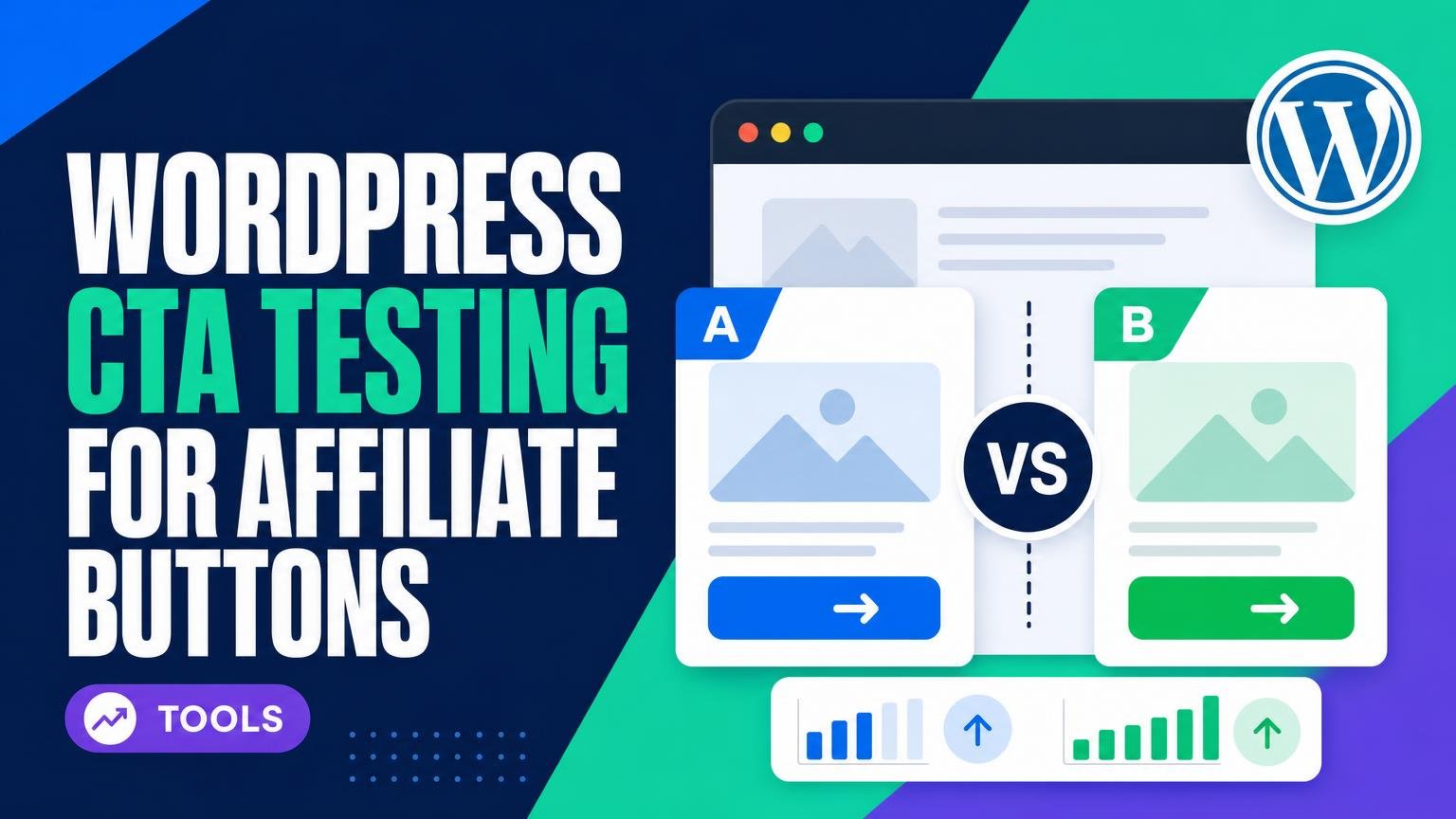
A brighter button can win the click and still lose the commission.
A publisher swaps a plain “Check price” button for a bold green version. Clicks rise by 18%, yet the affiliate dashboard shows no meaningful change in approved sales. The winning design may simply attract less qualified visitors—or send shoppers to a merchant page that does not convert well.
That gap is why CTA experiments need more than on-page click counts. A practical test connects each variation to outbound-link events and, where possible, affiliate-network conversions or revenue. Even imperfect reporting is useful when it reveals that a lower-clicking button sends traffic that earns more. The real winner is the CTA that improves valuable outbound traffic, not merely button activity.
- Outbound clicks by CTA variation
- Approved orders or commissions, when tracking is available
Three practical starting points
What matters before installing
-
Scope and setup
Choose tests the site can build and maintain.
Look forCTA or page tests fitting the editorAvoidA broad suite left unused -
Reporting and revenue
A click winner still needs checking against affiliate earnings.
Look forClear goals and tagged outbound linksAvoidClicks treated as sales
| Test focus | Reporting | Editorial score | ||
|---|---|---|---|---|
|
Nelio A/B Testing for WordPress CTA Experiments
Versatile suite
|
Pages, menus, widgets | Goals + heatmaps | 8.5/10 | View |
|
Thrive Optimize for Conversion-Focused Landing Pages
Landing pages
|
Landing pages | Conversion goals | 8.0/10 | View |
|
Split Hero for Simple WordPress Split Testing
Simple option
|
Page variants | Conversions | 7.5/10 | View |
A click-layer winner is only a candidate. Tag outbound links and compare affiliate revenue after enough traffic arrives.

Turn qualified clicks into useful comparisons
Once a CTA earns better outbound clicks, the destination should match its promise. Content Egg Pro helps publishers present products, prices, and availability in WordPress.
Nelio A/B Testing for site-wide CTA experiments
Best for testing multiple WordPress elements with heatmaps
Nelio is built for affiliate sites where a button rarely lives alone. It can test landing and review pages, headlines, menus, widgets, and conversion goals inside WordPress, making it a practical fit when the same offer is framed differently across comparison tables and reusable site elements.
That breadth works best with a plan: test one meaningful change at a time, keep variants from competing across shared templates, and define goals that reach beyond a raw button click.
- Tests pages and surrounding WordPress elements
- Native editor workflow
- Heatmaps add context to click results
- Supports custom conversion goals
- Broader setup takes more planning
- Shared content can complicate experiments
- Goals need careful configuration
Nelio suits affiliate publishers with varied content layouts and several CTA placements to manage. Its wider testing options can reveal whether a page structure, headline, or nearby element changes outbound action—but only when experiments have clean boundaries and revenue-aware goals.
Thrive Optimize for campaign landing pages
Top choice for streamlined landing-page conversion testing
Thrive Optimize is built for comparing full landing-page variants against a conversion goal. It fits best when an affiliate promotion has a dedicated commercial page, letting the CTA be tested alongside the headline, offer framing, and review summary rather than as an isolated button.
It is most at home on sites already using Thrive’s landing-page tools. That makes it a focused campaign tester, not the natural choice for a site-wide editorial CTA workflow.
- Tests complete landing-page variants
- Conversion-goal winner selection
- Natural fit for Thrive pages
- Less suited to editorial-wide testing
- CTA changes are not isolated by default
Thrive Optimize suits focused commercial campaigns. Its page-variant approach helps reveal whether a stronger CTA works because of the button itself or because the surrounding pitch supports it.
For ongoing experiments across articles and reusable site elements, a broader WordPress testing workflow is likely more practical.
A focused test for a busy affiliate page
- Runs inside WordPress
- Compares page variants
- Tracks conversion goals
- Limited for broad site tests
- Needs meaningful traffic
Split Hero is a straightforward WordPress option for placing one controlled CTA test on an already-busy affiliate page. Change a single meaningful detail—copy, colour, placement, or destination—not several at once. Let the test gather enough visits, then read conversions alongside page-level affiliate revenue tracking; extra clicks alone do not prove a better CTA.
A handful of clicks can look convincing and still be noise. Keep the original page stable while the variant runs, and avoid changing the offer, price, or surrounding copy mid-test.
Run one affiliate CTA test at a time
-
Start with a page that already attracts buyers
Pick a review, comparison, or deal page with steady traffic and a clear next click. A small test on a high-intent page is usually easier to interpret than a broad homepage experiment.
-
Write one narrow hypothesis
For example: placing the button beneath a live price box will produce more qualified outbound clicks than placing it after the verdict. Change the placement, label, or visual treatment—not all three.
-
Keep the affiliate destination and disclosure unchanged
Both variants should send visitors to the same merchant URL or equivalent tracked link, with the same affiliate disclosure. This keeps the comparison focused on the CTA.
-
Build credible buying contexts
Imported product details can populate price boxes, availability notes, tables, and review blocks; product box tools suited to testing make those contexts easier to assemble. The testing plugin measures the variation, while affiliate-data tools handle product content.
-
Check revenue signals before declaring a winner
Compare outbound clicks with merchant commission reports or sub-ID data. Roll out only when the click lift also looks consistent with downstream sales.
Avoid ending a test early after a short-lived click spike.
Treat Each Test as a Clue
- Keep a simple record of the page, variant, traffic window, outbound clicks, and resulting affiliate revenue.
- Repeat promising findings on a comparable page before making them a site-wide convention.
A winning button is not a permanent rule; it is evidence from one audience, page, offer, and traffic source. Keep testing one meaningful change at a time, then use revenue and qualified outbound clicks to decide what deserves another round.
For a broader routine, learn how to improve affiliate conversions with a systematic process rather than relying on a single CTA lift.
Make Product Comparisons Easier to Act On
Clear prices, current availability, and useful product displays can give affiliate visitors a stronger reason to click after a CTA test identifies the right direction.